Connect channels, use recurring slots, and publish from the same place where the content was made.
Postana keeps drafts, queue items, sent posts, channel schedules, media uploads, and publishing status in one publish workspace.
Live. Available after connecting a supported channel.
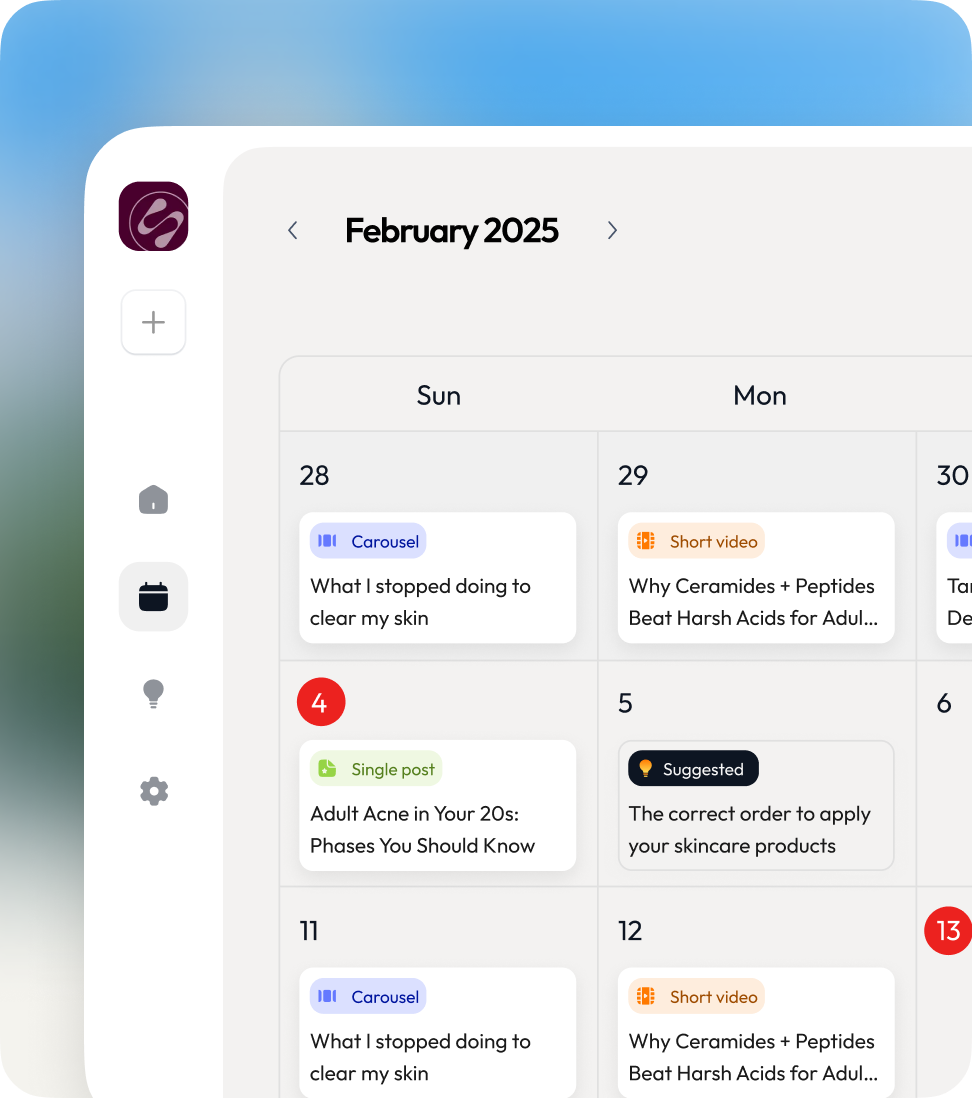
What you can do
Social media scheduling, down to the useful details.
Stop copying finished posts into every social app by hand.
Queue, list, and calendar views
See drafts, scheduled work, and sent posts in the view that matches the job.
Recurring posting slots
Set a timezone-aware rhythm per channel and place the next post into the next open slot.
Direct media upload
Large images and videos upload directly, so publishing does not get stuck waiting on the main app server.
Publish status and recovery
Track scheduled, processing, published, and failed posts. Postana checks again when a social network is slow to reply.
Works with
Fits the rest of the work.
Good to know
Available publishing formats depend on the connected platform.
Instagram trending audio must be baked into a video before publishing.
Watch it work
Schedule a week of posts from one queue
- 01 Connect a channel
- 02 Set recurring posting slots
- 03 Add a post to the queue
- 04 Check the published status
FAQ
Questions people ask before they start
The short, honest version.
Which channels can Postana publish to?
Current channel support includes Instagram, TikTok, LinkedIn, X, and Threads.
Can I set a posting schedule for each channel?
Yes. Each channel can have recurring, timezone-aware posting slots.
What happens if publishing fails?
Postana records the failed state and checks the channel again so the status stays accurate.
Keep going